

Let's cut through the jargon. At its core, a wireless microphone with a built-in speaker is simply an all-in-one sound solution. It bundles a microphone, transmitter, receiver, amplifier, and speaker into one portable, cable-free unit. The goal? To make projecting your voice for presentations, events, or performances as simple as possible.
Understanding Your All-In-One Sound Solution

Picture a classic audio setup for a moment. You’ve got a microphone, a long cable snaking across the floor to a mixer, and then more cables running from the mixer to the speakers. A wireless microphone with speakers takes that entire chain and packs it into a single, user-friendly box.
This isn't just about convenience; it's a completely different way of thinking about portable sound. By cutting the physical ties, these systems give presenters and performers total freedom to move. There are no trip hazards to worry about, no signal loss over long cable runs, and setup time shrinks from several minutes down to just a few seconds.
The Core Components Working in Harmony
So, how does it all work so seamlessly? Here’s a quick look under the bonnet:
- Microphone & Transmitter: The mic captures your voice, turning it into an electrical signal. A tiny, integrated transmitter then beams this signal out wirelessly.
- Receiver: Housed inside the speaker unit, a receiver is constantly listening for the radio signal from the microphone.
- Amplifier & Speaker: Once the receiver picks up the signal, it feeds it to an internal amplifier. This amp boosts the power, driving the speaker to project your voice loud and clear.
This whole chain reaction happens in a heartbeat, delivering instant sound reinforcement without the typical clutter of a traditional PA. For those needing more complex, multi-component setups, our detailed guide to pro PA speaker systems is the perfect next step.
Why Integrated Systems Are Gaining Traction
The demand for these all-in-one units is really taking off, particularly in professional spaces. Here in the UK, the shift to hybrid work and learning models has lit a fire under this trend. With remote work still making up 25% of office days, the need for flexible, high-quality audio tools has never been more pressing.
In fact, FTSE 100 companies have recently funnelled £1.2 billion into AV upgrades, and a massive 35% of that went towards wireless mic-and-speaker bundles for boardrooms and all-hands meetings. You don't have to look far in recent industry reports to see this market shift in action.
The real beauty of an integrated wireless microphone and speaker is how it democratises professional audio. It puts powerful, clear sound into the hands of people who aren't audio engineers, ensuring the message is always heard, no matter the venue.
This inherent simplicity makes them a brilliant fit for a huge range of jobs—from corporate training days and classroom lectures to outdoor events and mobile DJ sets.
Exploring Different Types of Wireless Systems
When you're looking for a wireless microphone with speakers, it's easy to get bogged down in the technical specs. A better way to start is by thinking about the job you actually need the system to do. If we frame it like that, we can group these systems into three main families based on how they're used out in the real world. This approach makes it a whole lot easier to find the right tool for the job.
Each type strikes a different balance between portability, sheer power, and how much you can customise it. Getting your head around these core differences is the first step to designing a solid, reliable audio setup, whether it's for a small classroom or a massive event space.
Let's dive into the distinct families of wireless audio solutions.
Fully Integrated Portable PA Systems
Think of these as the ultimate 'grab-and-go' audio toolkits. A fully integrated portable PA is a single, self-contained unit packing the speaker, amplifier, battery, and wireless mic receiver into one rugged, easy-to-lug-around box. The microphone is already paired up, so getting started is as simple as flicking a switch.
These are the go-to choice for presenters, teachers, tour guides, and event hosts who need decent sound without any technical headaches. Their biggest selling point is simplicity and speed. You can be up and running, addressing a crowd in less than a minute. That makes them perfect for pop-up events, outdoor announcements, or training sessions spread across multiple rooms where you're constantly on the move.
The main trade-off? Usually power and expandability. They're spot-on for small to medium-sized audiences, but they might run out of steam in larger venues and typically have limited inputs for plugging in other sound sources.
Component-Based Wireless Systems
This is the modular, professional-grade approach favoured by AV integrators and installation experts. With a component-based system, you pick and choose the individual parts: a specific wireless microphone system (like a handheld or lavalier mic with its receiver) which you then connect to one or more separate, powered speakers.
This method gives you complete control and the ability to scale up. Need to cover a large, awkwardly shaped room? No problem, you can place multiple speakers exactly where they need to go. Need a top-tier microphone capsule for a lead singer? You can select the perfect one for the job. This flexibility is vital for permanent installations in places like:
- Houses of worship
- Corporate boardrooms
- Lecture theatres
- Live performance venues
A component-based setup allows for a precisely engineered audio experience. It empowers integrators to select the best possible components for each part of the signal chain, ensuring optimal clarity, coverage, and reliability for mission-critical applications.
The only real downside is the complexity. It takes a bit more audio know-how to get a component system dialled in, covering things like gain staging and frequency coordination. But for demanding environments, the superior results are well worth it.
Wearable and Bodypack Systems
This third category is all about maximum personal mobility. Wearable systems pair a compact, lightweight microphone—usually a lavalier (lapel) or headset mic—with a small transmitter pack that clips onto a belt. This transmitter wirelessly sends the audio to a receiver, which then feeds into a compact, often body-worn, portable speaker.
These are the perfect solution for fitness instructors, museum guides, and product demonstrators who need their hands completely free but must maintain a consistent vocal level. The whole system moves with the user, making sure their voice is heard clearly without being tethered to a speaker stand. Their ultra-portable nature is their greatest strength.
The entertainment sector here in the United Kingdom has really pushed the development of versatile wireless gear. Handheld microphones, whether part of an all-in-one or a component system, have been incredibly popular for live events. In fact, market analysis shows these handheld wireless mics, often paired with compact speakers, grabbed a dominant 49% revenue share globally. This trend is definitely reflected in the UK, where the buzzing live performance scene has fuelled a huge increase in sales. You can read more about these market trends in the full research on wireless microphone adoption.
Decoding the Tech Specs That Truly Matter
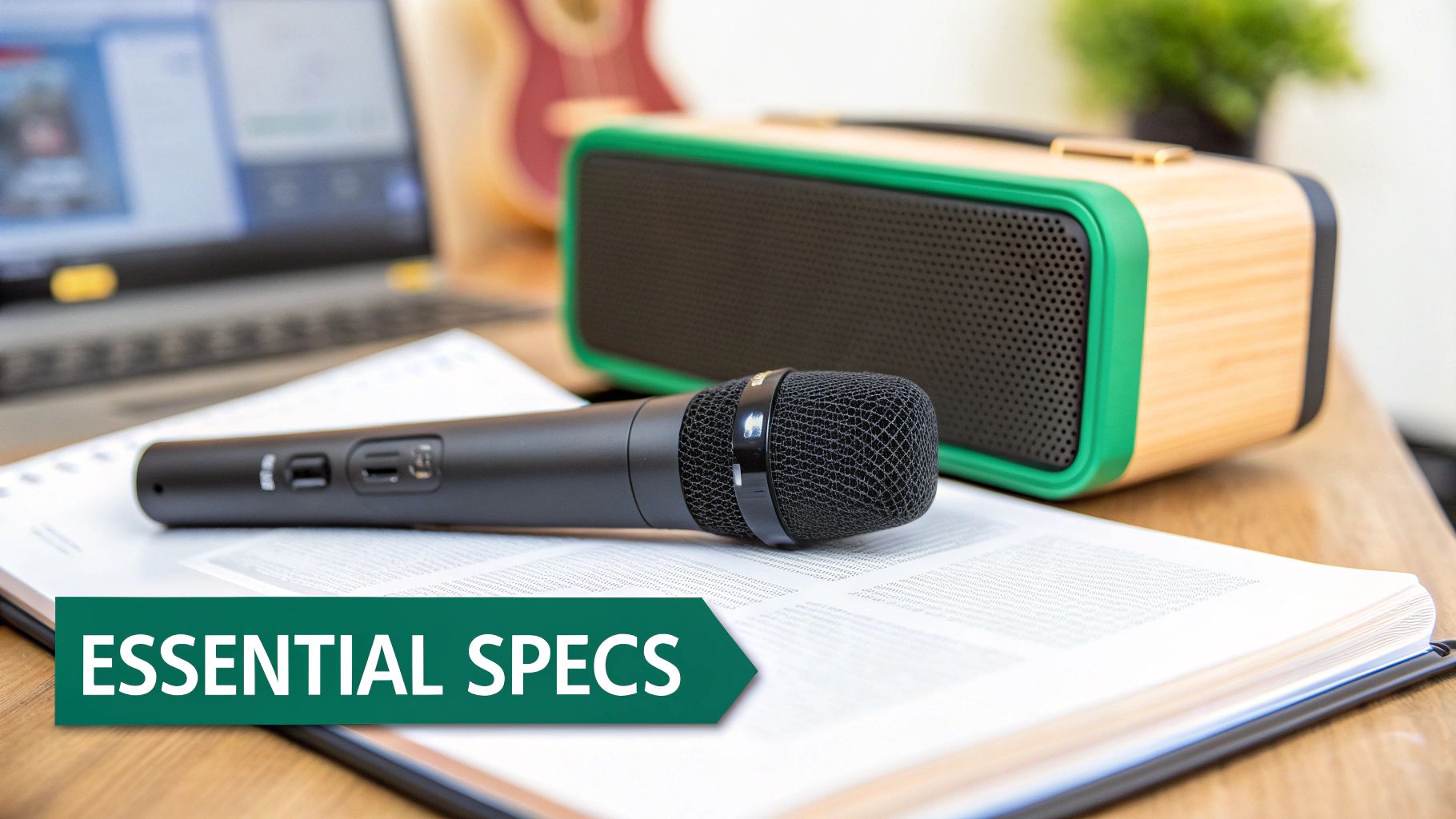
When you’re comparing different wireless microphone with speakers systems, the spec sheet can look like a wall of technical jargon. But getting to grips with a few key numbers is the secret to choosing a system that’ll perform flawlessly when it counts. Let's translate this tech-speak into real-world performance.
These figures aren't just for show; they directly influence how well the system will work for your specific job, from the size of your audience to the layout of the venue. Nailing this choice is the difference between a seamless event and a technical headache.
Output Power Watts and Your Audience
The first number you’ll probably spot is Output Power, measured in watts (W). This isn’t just about raw volume; it’s about the speaker's ability to deliver clean, undistorted sound to a specific number of people. Higher wattage means the built-in amplifier can drive the speaker with more force, filling a bigger space without sounding strained or harsh.
Think of it like this: a small 15W system is spot on for a classroom of 20-30 people, but it would completely run out of steam in a school hall. For a larger crowd of around 100, you’ll want to be looking at systems in the 50-100W range to make sure everyone at the back can hear as clearly as those at the front.
One of the most common mistakes is picking an underpowered system. You're forced to crank the volume to the max, which just results in distorted, poor-quality audio. It’s always better to have a bit more power in reserve than you think you need.
For a deeper dive into how amplifier power affects vocal clarity, our detailed guide on choosing the right amplifier for voice has you covered.
Battery Life: The Event Lifeline
For any portable PA system, solid battery life is non-negotiable. You can't run an eight-hour presentation with a speaker that gives up after four. Look for realistic battery life stats, which are often measured at around 50% volume – remember that running a system flat-out will drain the power much, much faster.
Just think about your typical use case. An all-day conference demands a system with at least 8-10 hours of continuous playback. For shorter gigs like a fitness class or a wedding ceremony, 4-6 hours might be perfectly fine. Always build in a buffer to avoid any last-minute power panic.
Wireless Range and Frequency Bands
This is where the performance of many systems can really differ. The wireless range tells you how far the microphone can be from the speaker before the signal gets shaky and drops out. A range of 30 metres is usually fine for indoor presentations, but for outdoor events or large stages, you’ll need 50 metres or more to guarantee reliable coverage.
This performance is directly linked to the frequency band the system operates on. You can think of frequency bands as different radio motorways for your audio signal to travel down.
- 2.4 GHz Band: This is the public motorway, shared with everything from Wi-Fi and Bluetooth to your office microwave. It’s license-free and convenient, but in busy environments, it can get congested and lead to interference.
- UHF (Ultra High Frequency) Band: This is more like a private toll road. In the UK, some UHF channels require a license from Ofcom, but in return, you get a clean, interference-free signal. For professional or mission-critical events, a licensed UHF system delivers far greater reliability and peace of mind.
Microphone Type and Connections
The microphone itself has a massive impact on the final sound quality. Most integrated systems will ship with one of two main types:
- Dynamic Microphones: These are the rugged workhorses of the audio world. They’re built to last, handle high volumes without distorting, and are great at rejecting background noise. This makes them ideal for live vocals and presentations.
- Condenser Microphones: These mics are more sensitive and capture much finer detail in the sound. They produce a crisp, articulate sound that's perfect for controlled environments like recording studios or spoken-word events where every nuance matters. The downside is they can be more prone to feedback in loud settings.
Finally, always check the available inputs and outputs. A basic system might just have the wireless mic connection. More versatile models will throw in extras like a 3.5mm aux jack for a laptop, a 1/4" jack for a guitar, or Bluetooth for streaming music from a phone. These extra connections add a huge amount of flexibility, turning your PA speaker into a proper multi-purpose audio hub.
Matching the Right System to Your Venue
Choosing the right wireless microphone with speakers is about more than just ticking boxes on a spec sheet. It’s about picturing the system in its natural habitat and getting a feel for how the unique demands of a space will dictate your audio needs. What works perfectly in one environment could be a complete disaster in another.
This is where you need to start thinking like a seasoned audio integrator, moving beyond theory and into real-world application. By breaking down the specific challenges and goals of different venues, you can head off problems at the pass and design a system that delivers every single time. Let's walk through a few common scenarios to see how this plays out.
The Corporate Boardroom
In any modern boardroom, discretion and clarity are king. The audio system has to melt into a high-spec, professional environment while delivering pristine sound for everyone in the room and those dialling in for a video conference.
Here, aesthetics are just as important as audio quality. Big, clunky speakers just won't cut it. The best bet is usually a component-based approach featuring:
- Discreet Microphones: Gooseneck or boundary mics installed on the conference table are fantastic choices. For a bit more freedom, a multi-channel UHF system with sleek bodypacks and lavalier mics lets presenters move around without being tethered.
- Zoned Speaker Coverage: Ceiling or wall-mounted speakers are ideal for giving you even sound distribution without creating clutter. This way, everyone gets the same clear audio, no matter where they're sitting.
- Seamless Integration: Your system absolutely must play nicely with existing video conferencing hardware, projectors, and control panels. Plenty of inputs for laptops and other media sources is non-negotiable.
The University Lecture Hall
A university lecture hall throws a completely different set of challenges your way. The main goal here is simple: one person needs to be heard clearly by hundreds of students, often in a large, tiered room with tricky acoustics. The gear also needs to be tough and dead simple to use.
The system has to have enough punch to fill the entire space and be straightforward enough for any lecturer to operate without calling for technical support.
In an educational setting, the audio system is a fundamental teaching tool. If a student at the back of a 300-seat hall can't hear the lecturer, the system has failed. The absolute priority has to be intelligible speech reinforcement across a large area.
For this kind of environment, you'll want to focus on:
- High-Powered Speakers: You'll need a powerful, component-based system with speakers placed strategically to conquer the room's size and any acoustic gremlins like echo.
- Robust Handheld Microphones: A durable UHF handheld mic is a must-have for audience Q&A, as it can be passed around without any fuss.
- Simple Controls: The user interface should be incredibly simple, maybe with pre-set volume levels, so lecturers can concentrate on their teaching, not on fiddling with the audio.
The Live Music Venue or Pub
When it comes to live performance, the pressure on a wireless mic and speaker system goes through the roof. It has to cope with high sound pressure levels from vocals and instruments without distorting, all while giving you the flexibility to mix multiple sources.
In the UK, the hospitality sector has seen a brilliant return on investment from getting their audio right. Bringing in a wireless microphone with speakers for events like quizzes and karaoke in pubs and hotels has been shown to lift revenue by an average of 12% in venues that took the plunge. These systems have made a splash in sports too, boosting event satisfaction scores by 18% by enabling dynamic PA systems that can cover huge areas. You can dig into more of the numbers in these microphone market trend reports from marketsandmarkets.com.
The Outdoor Event
Taking things outdoors introduces a whole new world of variables. You've got unpredictable weather to contend with, plus a complete lack of walls or ceilings to help carry the sound. Here, durability, wireless range, and battery life become your top priorities.
The ideal system has to be built to take a beating from the elements and project sound effectively in a wide-open space. Keep an eye out for systems with an IP (Ingress Protection) rating for water and dust resistance. A long wireless range is essential to avoid embarrassing dropouts, and a beefy battery life ensures the event runs smoothly from start to finish without any power panics.
Pro Tips for Flawless Setup and Performance
A high-quality wireless microphone with speakers is a fantastic tool, but its real power is only unlocked with a smart setup. Getting that professional-grade audio isn't about the price tag; it's about mastering a few key principles before you even flip the power switch. These tips go beyond the instruction manual, helping you nail that crystal-clear, reliable sound every single time.
Think of your venue as a crowded radio environment. Wi-Fi networks, other wireless gear, and even the hum from fluorescent lighting can create invisible noise that messes with your microphone's signal. Your first, most crucial step for a flawless performance is to find a clear channel. The best way to do that? A site survey.
Performing a Radio Frequency Scan
Most professional wireless systems come with a built-in channel scanning function. Before the event kicks off, turn on your receiver – but keep the microphone transmitter switched off – and hit the scan button. The receiver will listen in on the local radio chatter and pinpoint the quietest, cleanest frequency available.
Always perform this scan at the venue, ideally right before the event is due to start. The RF landscape can change in a flash; a channel that was clear in the morning could be totally swamped by the afternoon.
Once the receiver locks onto a clean channel, you just need to sync your microphone transmitter to match it. This simple step is your number one defence against those dreaded dropouts, static, and interference.
This flow chart shows how different systems are better suited for various environments, from intimate boardrooms to large outdoor gatherings.

As you can see, there's a clear progression in power and features, which really drives home the point that a thoughtful setup is essential for tailoring your audio solution to the space.
Mastering Speaker Placement
Where you put your speaker is just as critical as getting a clean wireless signal. The goal is simple: even sound coverage for the whole audience, without any howling feedback. And the golden rule is even simpler: always place speakers in front of the microphone position.
If a mic ends up behind a speaker, it will pick up its own amplified sound. That creates a feedback loop, which is the cause of that piercing, high-pitched squeal we all hate. To sidestep this:
- Elevate the Speaker: Pop the speaker on a stand. This helps the sound project over the heads of the people in the front rows and reach the back of the room properly.
- Aim for the Centre: Point the speaker towards the main bulk of the audience. For larger rooms, using two speakers angled slightly outwards creates a much more balanced soundscape.
- Consider Room Acoustics: Rooms with lots of hard surfaces like glass and concrete can turn sound into a muddy mess. Placing speakers away from corners helps cut down on those unwanted reflections. For more complex installs, understanding how to set up a https://epicaudio.co.uk/blogs/guides/ceiling-speakers-with-amplifier-setup-guide can offer some really valuable insights into getting perfect room coverage.
Eliminating Feedback Before It Starts
Feedback is the arch-nemesis of any live sound event. Getting your speaker placement right is half the battle, but managing your audio levels – a process known as gain staging – is the other key to keeping it quiet.
Start with the gain on the microphone's transmitter and the main speaker volume turned right down. Speak into the mic at a normal performance level and slowly turn up the gain on the transmitter pack or mic. Watch the "signal" or "peak" light on your receiver; you want it to just start flashing on your loudest words. Then, back it off a tiny bit.
Once that input gain is set, you can bring up the main volume on the speaker to a level that works for the room. This method ensures you're sending the strongest, cleanest possible signal to the speaker, which means you don't have to crank the main volume and risk feedback.
Of course, perfect audio is just one part of a great event. A successful presentation also relies on solid preparation from start to finish. You can learn more about preparing for a truly impactful presentation to make sure every element lands perfectly. When you combine great audio technique with polished delivery, you create a genuinely professional experience for your audience.
Answering Your Wireless System Questions
Getting your head around the world of wireless audio throws up a lot of questions. And getting the answers right is absolutely vital for making sure your system performs when it matters, whether it's for a high-stakes business presentation or a live event. This section gets into some of the most common queries we hear, giving you clear, practical advice to help you choose and use a wireless microphone with speakers.
We'll look at the key technical concepts, but always from the perspective of real-world performance and avoiding those common pitfalls. Nailing these details will help you build a much more robust and dependable audio setup from the ground up.
How Do I Choose Between 2.4 GHz and UHF Frequencies?
Think of the radio spectrum like motorways. The 2.4 GHz band is the busy, public A-road. It’s license-free and absolutely packed with traffic—everything from Wi-Fi and Bluetooth to your office microwave is on there. While it can be handy for simple, small-scale setups, this "road" gets congested fast, leading to frustrating signal dropouts and interference.
On the other hand, UHF (Ultra High Frequency) bands are more like a private, tolled motorway. In the UK, you’ll need an Ofcom license to use some of these channels, but that small cost buys you an exclusive, clean lane for your audio signal. For any professional event, mission-critical presentation, or venue already swimming in wireless gear, licensed UHF is the only way to go for genuine reliability and peace of mind.
What Is Diversity Reception and Why Is It Important?
Diversity reception is basically your system's insurance policy against audio dropouts, especially when the person holding the mic is on the move. A system with true diversity reception has two separate antennas and two independent receiver circuits. It constantly checks the signal strength from both and instantly, silently switches to whichever one is stronger.
Think of it like having two catchers ready for one ball. If one catcher’s view is blocked for a split second, the other is already in the perfect spot to make the catch. That's exactly what a true diversity receiver does for your audio, guaranteeing a solid, professional-quality stream.
This is a non-negotiable feature for any scenario where the user isn't standing perfectly still—think walking a stage, presenting to a crowd, or leading a fitness class. It’s what keeps that connection locked in.
Can I Use Multiple Wireless Systems in the Same Building?
Yes, absolutely—but it demands careful frequency coordination. This is just the process of giving each microphone and receiver its own unique frequency so they don't talk over each other. Running multiple systems on the same (or very close) frequencies is like trying to have several conversations on one phone line. It just ends in a garbled mess.
This is where professional-grade systems really earn their keep. They're built for this, offering wide tuning ranges and tools like channel scanners to help you find a group of compatible, clean channels. Cheaper, entry-level kits often have fixed or very limited frequency options, making it impossible to run more than one or two in the same space. For installs in conference centres, schools, or theatres, investing in systems that allow proper multi-channel coordination is critical.
How Do I Prevent That High-Pitched Feedback Squeal?
That awful squeal is feedback. It’s a vicious audio loop created when a microphone picks up the sound from its own speaker and then re-amplifies it, over and over, incredibly quickly. Stopping it comes down to three golden rules.
- Positioning is Key: Never, ever point a microphone directly at a speaker. Your speakers should always be in front of the microphone’s position, aimed out at the audience.
- Manage Your Volume: More often than not, feedback is just a case of too much volume. Start with your mic gain and speaker levels low, then slowly bring them up until you hit a comfortable level for the room.
- Use System Features: Many modern wireless microphone with speakers systems come with built-in automatic feedback suppression. This clever digital feature sniffs out and kills feedback-prone frequencies before they become a problem—an absolute lifesaver in tricky acoustic spaces.
At Epic Audio Ltd, we specialise in providing robust audio solutions that deliver clear, reliable performance for integrators and trade professionals. Explore our extensive range of wireless systems and project support services to find the perfect fit for your next installation. Discover our trade-only offerings at https://epicaudio.co.uk.