

Professional wireless microphones are the tools that let presenters and performers move freely, capturing and sending audio without the hassle of cables. Unlike the basic models you might find in a high street shop, these professional systems are built for the serious stuff: superior audio fidelity, rock-solid signal stability, and the ability to run multiple channels at once. They are an absolute must-have for any modern venue.
Why Wireless Microphones Are Essential for Modern Venues

It’s about more than just ditching the cord. Professional wireless mics solve real-world problems in delivering a top-notch audio experience. They aren't a luxury; for any space that values clarity, safety, and flexibility, they are a core piece of equipment.
Getting rid of long cable runs across stages, down aisles, and under conference tables immediately removes a major trip hazard. Simple as that. It makes the environment safer for everyone.
This freedom also completely changes the look and feel of a space. A clean, cable-free stage or boardroom just looks more professional and allows for dynamic, engaging presentations without presenters getting tangled up.
Enhancing Flexibility and Performance
The real magic of professional wireless systems is how adaptable they are. In a multi-purpose venue, a presenter can wander from a lectern to a whiteboard or walk into the audience, all while their audio stays perfectly clear. You just can't do that with a cabled mic.
This flexibility is vital in so many places:
- Corporate Boardrooms: Executives can present naturally without being stuck in one spot.
- Houses of Worship: Leaders can move freely around the sanctuary, creating a more personal and connected service.
- Live Events: Performers get the freedom they need for energetic and captivating shows.
Professional wireless microphones empower presenters to connect more effectively with their audience by removing physical barriers. This direct engagement often leads to more impactful and memorable events.
A Growing Market and a Clear Advantage
Demand for these systems is on the rise. The UK wireless microphones market outlook points to serious growth, with forecasts suggesting its value could double by 2033. Many UK hospitality chains have already made the switch, reporting 25% cost savings on cabling and 40% faster setup times. This trend gives installers a clear path to meet client demands for reliable, scalable systems that work first time, every time.
This guide will walk you through everything you need to know to choose and install the right professional wireless microphones. We'll make sure every project delivers flawless, interference-free audio that enhances the user experience and cements your reputation for quality.
Professional vs Consumer Wireless Microphones at a Glance
For AV integrators, explaining the value of professional-grade kit over cheaper consumer alternatives is a daily conversation. It's not just about a brand name; it's about reliability, performance, and features that are non-negotiable in a professional setting. This table breaks down the key differences that really matter.
| Feature | Consumer-Grade Systems | Professional Systems (e.g., Monacor, IMG Stageline) |
|---|---|---|
| Frequency Range | Fixed or very limited, often in crowded 2.4 GHz band | Wide, tuneable frequency bands (e.g., UHF) to avoid interference |
| Signal Stability | Basic "single antenna" setup, prone to dropouts | Advanced diversity reception (two antennas) for rock-solid signal |
| Durability | Plastic construction, not built for repeated use | Robust metal housing, designed for touring and heavy use |
| Audio Quality | Compressed audio, limited dynamic range | Uncompressed digital or high-quality analogue audio, full dynamic range |
| Scalability | Not designed for multi-channel use; severe interference issues | Excellent multi-channel capability with frequency coordination tools |
| Battery System | Often relies on disposable AA batteries | Professional rechargeable battery packs with accurate monitoring |
| Advanced Features | Minimal; basic on/off and volume controls | Encryption, remote monitoring, network control, interchangeable capsules |
Ultimately, specifying professional systems like those from Monacor or IMG Stageline protects both the client's investment and your reputation. They are designed from the ground up to perform reliably in challenging RF environments, something a consumer-grade system simply cannot guarantee.
Understanding Different Wireless Microphone Technologies
Choosing the right professional wireless microphones starts with understanding the engine under the bonnet. The core technology—analogue, digital, or even a hybrid—directly impacts your audio quality, reliability, and how the system copes in a crowded radio frequency (RF) environment. Each has its place, and knowing the difference is key to specifying a system that will perform flawlessly.
Think of analogue wireless systems like a classic vinyl record. They transmit your audio as a continuous radio wave, and many people love them for their "warm," natural sound. But just like vinyl, they're prone to background hiss and interference. If another radio signal muscles in on their frequency, you'll hear that dreaded static—a disaster during a critical presentation.
Digital wireless systems, on the other hand, are like a high-resolution audio file. The microphone converts the sound into a stream of ones and zeros before it even leaves the transmitter. The receiver then perfectly rebuilds that data back into audio. This digital process makes them almost completely immune to the static and noise that can plague analogue systems, delivering a pristine, crystal-clear signal.
Analogue vs Digital: A Clear Distinction
The real magic of digital is its resilience. If the signal strength dips a little, a digital system can often correct for the errors and keep the audio perfect. An analogue system in the same situation would start to degrade, introducing audible noise long before the signal drops out completely.
For mission-critical applications where audio clarity is absolutely non-negotiable—like corporate events, broadcasts, or important lectures—digital systems offer a massive performance advantage. The signal is either perfect or it's gone. There's no fuzzy, noisy middle ground.
Some modern systems offer a hybrid approach, using digital tech for the audio processing but transmitting it with analogue methods. These can offer a taste of both worlds, but for the most robust and interference-free performance available today, a true end-to-end digital system is tough to beat.
Choosing the Right Transmitter for the Job
Once you've settled on the technology, you need to pick the right physical transmitter. This choice comes down entirely to the application and what the presenter or performer needs to do. Each type is designed to solve a specific set of challenges.
You'll generally come across four main types of transmitters:
- Handheld: The classic choice for singers, presenters, and public speakers. They're built tough, are simple to use, and often have interchangeable microphone capsules so you can match the mic to different voices and rooms.
- Lavalier (Lapel): Tiny, discreet mics that clip onto clothing. They're perfect for interviews, theatre, and presentations where the microphone needs to be practically invisible, giving the user total hands-free operation.
- Headset: Worn over the head, these mics keep the microphone element in the perfect spot right next to the mouth. This makes them ideal for energetic presenters, fitness instructors, or singers who need to move freely without losing audio quality.
- Plug-on (or "Butt Plug"): These clever little boxes attach to the base of any standard wired microphone, instantly turning it wireless. They're a lifesaver for broadcast journalists or venues that want the flexibility to use their existing high-end mics without being tethered by a cable.
Here in the UK, handheld professional wireless microphones are still king, holding the largest market share thanks to their incredible versatility in PA systems, presentations, and live stage shows. You can find out more about the UK wireless microphone market trends. At the end of the day, matching the right transmitter to the job is one of the most fundamental steps to a successful installation.
Navigating UK Airwaves with RF Coordination and Licensing
For any UK-based installer, getting your head around Radio Frequency (RF) management is just as vital as knowing your way around a mixing desk. Think of RF coordination as the ‘air traffic control’ for your audio signals. Every wireless microphone system is a tiny aircraft, and without a controller guiding each one to a different altitude (frequency), you’re heading for a mid-air collision—or in our world, disastrous audio interference.
When you have multiple professional wireless microphones running in the same space, each one needs its own clean, dedicated frequency. Get this wrong, and signals will trample all over each other, causing everything from irritating static and dropouts to complete signal failure. In a busy city centre, this invisible airspace is already jammed with TV broadcasts, mobile phone signals, and other two-way radios, which makes careful coordination an absolute must.
Choosing Your Frequency Band
The first step in taming the airwaves is picking the right frequency band for the job. Each band has its own personality, and UK regulations, overseen by Ofcom, are very clear about how they can be used. Getting to grips with these options is the key to designing a reliable system that’s both legal and effective.
There are three main bands you’ll encounter for wireless mics in the UK:
- VHF (Very High Frequency): This is an older standard. It's often less crowded than UHF, but it's more prone to interference from electrical noise and demands larger, more cumbersome antennas.
- UHF (Ultra High Frequency): This is the workhorse for most professional gigs. It delivers excellent audio quality and is generally very reliable. The catch is that much of this spectrum is shared and requires careful planning and, more often than not, a licence.
- 2.4 GHz: This is a globally licence-free band, which is brilliant for keeping things simple and affordable. The major downside? It has to share the space with Wi-Fi, Bluetooth, and even microwave ovens, making it a risky bet in busy venues.
A common myth is that more power is always the answer. In reality, successful RF coordination is about finesse, not brute force. Using the minimum transmitter power you need actually reduces the chance of your own systems interfering with each other and with nearby users. It creates a much more stable environment for everyone.
Understanding UK Licensing and Channel 38
Here in the UK, Ofcom carves up the frequency spectrum for different uses. For us in the pro audio world, it's vital to understand the difference between licence-free and licensed operation. Your ability to deliver a rock-solid, multi-channel system often hangs on this choice.
The infographic below gives you a sense of how wireless tech has evolved, moving from basic analogue signals to the complex digital systems that now pack our airwaves.
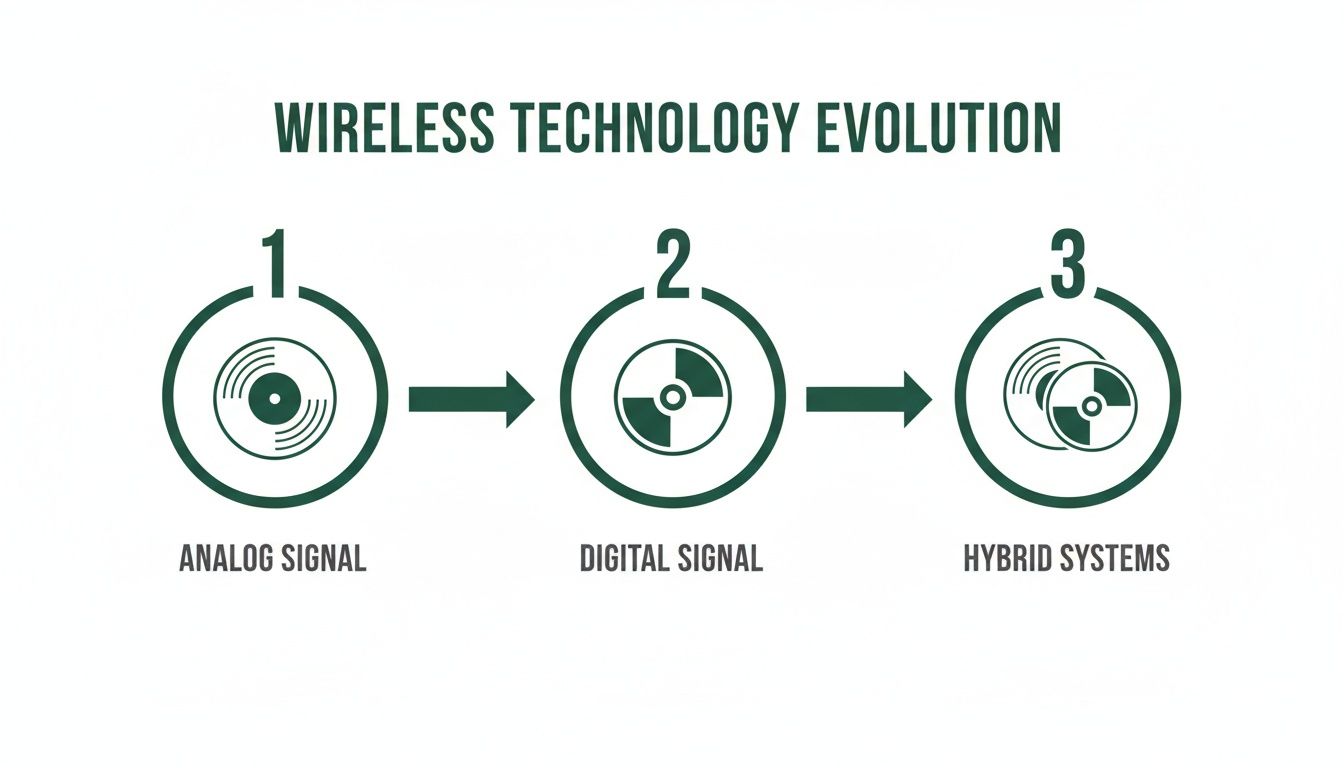
This progression just goes to show why precise frequency management is more critical than ever, as more sophisticated gear competes for the same slice of spectrum.
Licence-Free Operation
For smaller, simpler setups, you can legally operate a few mics without a licence in two main bands:
- Channel 70 (863-865 MHz): This is a small slice of the UHF band that's free for anyone to use across the UK. It’s okay for a small number of channels (you'll struggle to get more than 4 working reliably), but it can get crowded quickly.
- 2.4 GHz Band: As we mentioned, this is available for use, but it's incredibly congested. It’s best reserved for simple jobs in places with very little Wi-Fi traffic.
Licensed Operation (Channel 38)
For any serious multi-channel installation—think theatres, conference centres, or houses of worship—relying on the licence-free bands is a massive gamble. This is where Channel 38 (606-614 MHz) saves the day. It’s a specific block of spectrum set aside by Ofcom exclusively for Programme Making and Special Events (PMSE).
To use Channel 38, you need a UK Wireless Microphone Licence from Ofcom. This shared licence grants you legal access to a much cleaner and more reliable chunk of airspace. It's the industry standard for any professional event or installation that simply must have interference-free performance for a larger number of wireless systems. Honestly, the modest annual fee is a tiny price to pay for peace of mind and clear audio.
To help you quickly decide what’s best for your project, here’s a quick-glance table comparing the common bands available in the UK.
UK Wireless Frequency Bands Quick Reference
| Frequency Band | Typical Range | Pros | Cons | Ofcom Licensing |
|---|---|---|---|---|
| Channel 70 | 863 - 865 MHz | Licence-free; low-cost equipment. | Limited to 4-6 channels; can be crowded. | Not required. |
| Channel 38 | 606 - 614 MHz | Protected, professional band; reliable for 12+ channels. | Requires a licence; equipment can be more expensive. | PMSE Licence required. |
| 2.4 GHz | 2.400 - 2.483 GHz | Globally licence-free; simple to use. | High risk of interference from Wi-Fi & Bluetooth. | Not required. |
| 1.8 GHz | 1785 - 1805 MHz | Licence-free; less crowded than 2.4 GHz. | Fewer compatible systems available. | Not required. |
This table should give you a solid starting point for discussions with clients, helping you match the right technology to their venue and expectations.
Practical Steps for Flawless Coordination
Before you even think about installing gear, an on-site frequency scan is non-negotiable. It’s the first thing you should do. Most professional wireless receivers have a built-in scanning function that listens to the local RF environment, identifying which frequencies are already being used by TV stations or other local sources.
Once you have a clear picture of the RF landscape, you can use frequency coordination software—often provided free by the microphone manufacturer—to calculate an intermodulation-free set of frequencies for your systems. This crucial step ensures that the signals from your own microphones don't mix and create their own interference, a classic pitfall in multi-channel setups.
By combining a physical scan with some smart software-based planning, you can deploy even the most complex systems with confidence, knowing every single channel has a clear, open path from the transmitter to the receiver.
Decoding Technical Specifications That Actually Matter
Diving into a spec sheet for a professional wireless microphone can feel like reading a foreign language. It's often a confusing mix of marketing fluff and technical jargon that hides what really matters for a stable, reliable installation. Let's cut through that noise and focus on the numbers that genuinely impact audio quality and on-the-ground performance.
Getting a handle on these key metrics means you can make decisions based on what a project actually needs, not just on impressive-sounding buzzwords. It’s all about translating those abstract numbers into real-world benefits for your client, making sure every system you install is truly fit for purpose.
The Power of Diversity Reception
One of the most critical features you'll come across is diversity reception. Think of it like this: if you're trying to listen to someone across a crowded room with one ear covered, you might miss things if people walk in the way. But with both ears, you're far more likely to catch every word.
That's exactly how diversity reception works. A diversity receiver uses two separate antennas, spaced a bit apart, with each one feeding its own independent receiver circuit.
- Antenna A: Listens to the signal from the transmitter.
- Antenna B: Listens to the very same signal at the same time.
The receiver’s brain is constantly checking the signal strength from both antennas. If the signal at Antenna A gets weak—maybe because someone walked in front of it or it hit an RF dead spot—the system instantly and seamlessly switches over to the stronger signal from Antenna B. This switch is so fast it's completely silent, preventing those dreaded audio dropouts that can kill a live event. For any professional wireless system, true diversity is non-negotiable.
Latency: What You Can and Cannot Hear
Latency is that tiny delay between sound entering the microphone and it coming out of the speakers. Every digital wireless system has some latency; it takes a split second to convert the audio from analogue to digital, process it, transmit it, and then convert it back again. The big question is, how much is too much?
As a rule of thumb, a latency of under 5 milliseconds (ms) is pretty much imperceptible to the human ear. Once you start creeping above 10-15ms, however, singers or speakers using in-ear monitors might notice a distracting echo of their own voice, which can be really off-putting and make it hard to perform.
When you're speccing systems for live music or broadcast where performers depend on real-time monitoring, you absolutely have to aim for the lowest latency possible. For standard speech at a conference or lecture, a slightly higher latency is often perfectly fine.
Signal-to-Noise Ratio for Audio Purity
The Signal-to-Noise Ratio (SNR) is a straightforward measure of how pure the audio is. It compares the level of the sound you want (the signal) to the level of unwanted background hiss generated by the system's own electronics (the noise). It's measured in decibels (dB).
A higher SNR value simply means a cleaner, clearer sound with less of that annoying background hiss. For any professional job, you should be looking for systems with an SNR of at least 100 dB. This ensures that during quiet pauses in a presentation or performance, the audience hears nothing but silence, not a faint electronic hum. It's a dead giveaway of high-quality audio components.
If you want to dig deeper into how microphones capture sound in the first place, our guide on the cardioid polar pattern is a great place to start.
Encryption: Securing Your Conversations
These days, audio security is a major concern, particularly in corporate, government, and legal settings. Without encryption, a standard wireless microphone signal is basically an open radio broadcast that anyone with a compatible receiver can listen in on. This is a huge risk for confidential board meetings or sensitive legal discussions.
Professional wireless microphones with built-in encryption are the answer.
- AES 256-bit encryption is the gold standard for locking down your audio.
- The transmitter and receiver are paired together with a unique digital key.
- The audio is scrambled before being sent, and only the paired receiver with the matching key can unscramble it.
If you’re installing a system where confidentiality is even remotely important, specifying a model with AES 256-bit encryption isn't just a nice-to-have feature—it’s an essential security measure. It gives everyone peace of mind that private conversations will stay private.
Best Practices for Flawless System Installation and Setup
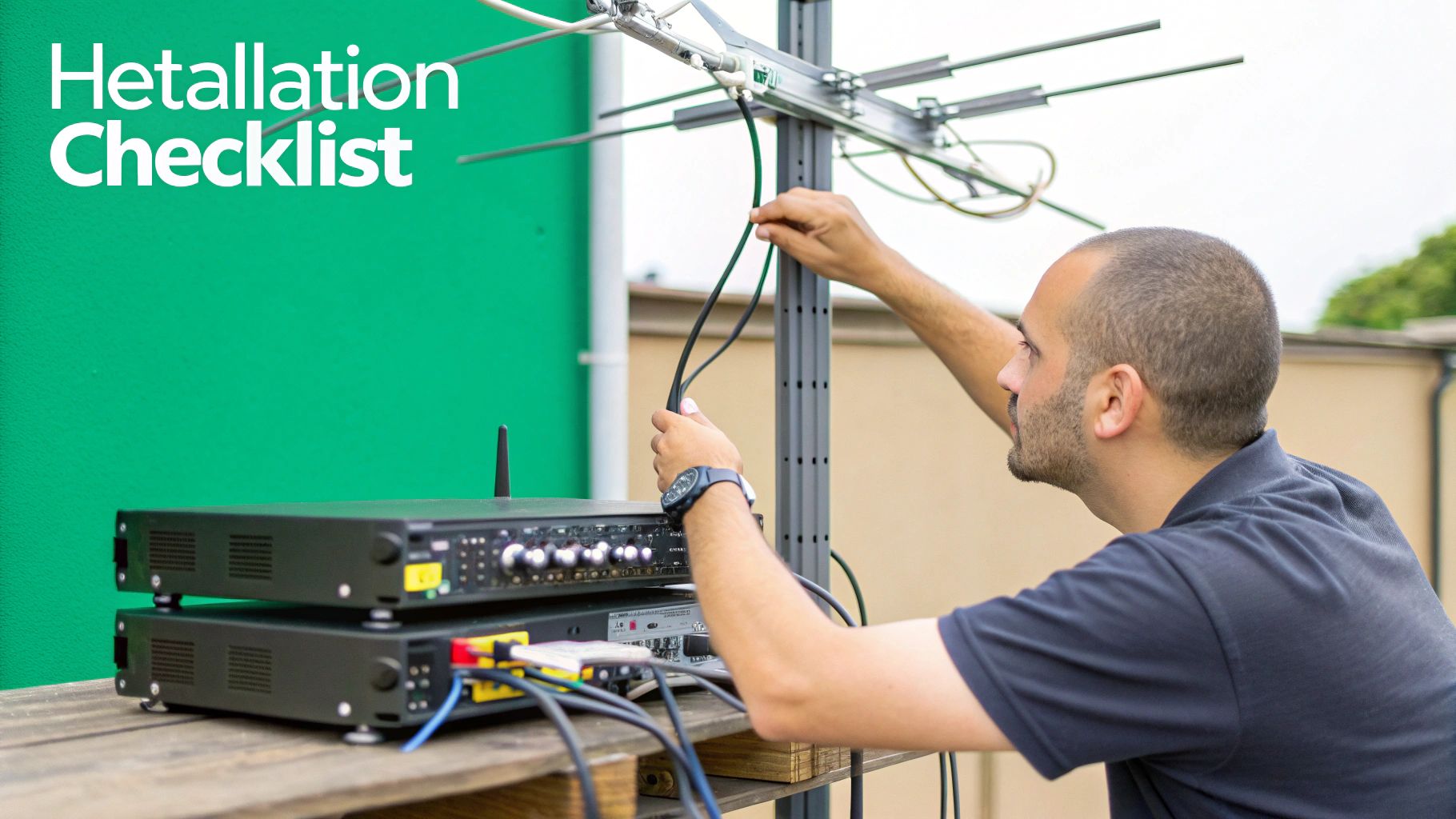
A great wireless mic setup isn't about luck; it’s about physics. Getting it right from the start means preventing audio problems before they even have a chance to happen. If you nail these fundamentals, you’re building a rock-solid foundation for clean, interference-free sound.
The single biggest rule? Maintain a clear line-of-sight between the transmitter and the receiver antennas. Think of the radio signal like a beam of light. Anything that gets in its way—walls, pillars, or even a dense crowd of people—will block or reflect it, leading to frustrating signal loss and dropouts.
Strategic Antenna Placement
The very first thing you should do on-site is figure out the absolute best spot for your receiver antennas. Mounting them high up, well above the heads of your audience, is a simple trick that makes a world of difference. It's a small adjustment that can massively improve reliability.
For proper diversity reception to work its magic, your receiver antennas need a bit of space. Position them at least one-half wavelength apart (that’s about 17 cm for most UHF systems). You’ll also want to angle them outwards in a "V" shape, somewhere between 90-120 degrees. This configuration is brilliant at catching reflected signals, which helps fight off multipath interference.
"Poor antenna placement is like trying to listen to a conversation from behind a thick wall. You might catch a few words, but the message will be weak and unreliable. Getting antennas in the right spot is the cheapest and most effective upgrade you can make to any wireless system."
When you're setting up, just remember that metal is the enemy of radio frequency signals. Keep your antennas well away from:
- Metal racks and flight cases
- Structural steel beams or scaffolding
- Large video screens and lighting trusses
These objects act like mirrors for RF, reflecting and distorting signals and creating unpredictable dead spots all over your venue.
If you’re running a multi-channel system and need to place antennas far from your equipment rack, an antenna distribution system is a non-negotiable investment. These systems let you use a single, perfectly placed pair of antennas to feed multiple receivers. This gets rid of the dreaded "antenna farm" that can cause its own interference issues.
The Right Connections and Gain Structure
Don't forget the cables! The coaxial cable running from your antennas to your receiver is just as critical as the antennas themselves. For any run longer than a few metres, you absolutely must use a proper low-loss coaxial cable, like RG8X or LMR-400. Trying to use a standard microphone cable here simply won't work—it will kill your signal.
Once your hardware is in place, the final piece of the puzzle is dialling in the gain structure. This is all about making sure your audio signal is at the perfect level at every single stage, so you avoid both nasty distortion and a weak, noisy signal.
- Start at the transmitter: Get the presenter or singer to perform at the loudest volume you expect. Turn up the transmitter's input gain until the peak/clip light just flickers on the loudest parts, then back it off a touch.
- Move to the receiver: Now, adjust the receiver's output level so it sends a good, strong signal to your mixing console without overloading its input.
- Finish at the mixer: Finally, use the mixer's channel gain to bring the signal up to its final operating level, making sure you leave plenty of headroom.
Setting gain properly is an art. It’s what stops a "too hot" signal from clipping and a quiet one from being drowned in background hiss. Taking a few minutes to get this right is what unlocks that pristine audio quality professional systems are known for. And just as you'd take care with your RF, make sure your mics are physically secure; our guide to microphone stands and booms has some great tips for stable placement.
How to Choose the Right System for Any Venue

Connecting the technical specs to real-world use is what separates a good installer from a great one. Choosing the right professional wireless microphones isn't a one-size-fits-all job; it’s about getting to grips with the venue’s purpose, its users, and its unique RF environment. This is where we bridge that gap, with practical advice for the environments UK integrators see every day.
By matching system features to the demands of the space, you deliver a solution that doesn't just work—it makes the client's life easier. It's about moving beyond the spec sheet and focusing on what really matters, whether that’s a crystal-clear sermon, a flawless corporate pitch, or a powerful live show.
Systems for Houses of Worship
In a house of worship, it all comes down to two things: clarity of the spoken word and simplicity for the user. Many speakers are volunteers, so the audio system needs to be completely transparent, letting the message shine through without any distracting tech hurdles.
Discretion and reliability are everything here. This is what you should be looking for:
- Discreet Microphones: Lavalier and headset mics are perfect. They free up the speaker's hands and maintain a constant distance from their mouth, which keeps audio levels nice and steady.
- Intuitive Operation: You want systems with easy-to-read displays, simple pairing, and professional rechargeable battery docks. It takes all the guesswork and stress out of the equation for volunteers.
- Automated Frequency Management: A system that automatically finds and assigns clean frequencies is a massive plus. It dramatically cuts down on the need for manual RF checks before every service.
Solutions for Hotels and Conference Centres
The hospitality world needs wireless solutions that are robust, scalable, and versatile enough to handle anything thrown at them. One day it's a single keynote, the next it's a multi-room conference with dozens of channels running at once. Reliability isn't just a feature; it's essential. Any audio failure can ruin a client's event and damage the venue's reputation.
For these high-stakes environments, the goal is a rock-solid, centrally managed system.
In multi-room hospitality venues, seamless integration is key. A well-designed system should allow an AV technician to monitor and control every microphone across the entire facility from a single location, ensuring every event runs smoothly without a hitch.
Key features for this sector include:
- Networked Control: Systems with network connectivity for remote monitoring are a must. They let technicians check battery levels, tweak gain, and troubleshoot problems from a central control room.
- Scalability: A Dante-enabled or networked audio system makes expansion a breeze. For more on this, our guide on choosing a digital audio mixer offers great insights into integrating multiple audio sources.
- Encryption: Confidential meetings are common, making AES 256-bit encryption a non-negotiable feature to protect sensitive corporate discussions.
Education and Live Performance Venues
In places like lecture halls and theatres, systems need to deliver top-notch audio while being tough enough to handle daily use. For live music venues and broadcast, it’s all about pure audio quality, low latency, and rugged, tour-ready construction.
The UK's entertainment scene is always growing, pushing the need for dependable wireless audio. This growth, alongside Ofcom spectrum rules, has fast-tracked the adoption of advanced UHF and 2.4GHz tech to dodge interference in crowded cities like London.
For these performance-critical spaces, here’s what to prioritise:
- Interchangeable Capsules: Handheld transmitters with swappable capsules give sound engineers the flexibility to pick the perfect mic characteristic for different singers or instruments.
- Low Latency: In live music and broadcast, performers often use in-ear monitors. A system with latency below 5 ms is crucial to avoid any off-putting delays.
- Tour-Grade Durability: Look for all-metal construction on both transmitters and receivers. This ensures the gear can take the knocks of being on the road or in a busy theatre.
By carefully sizing up the unique needs of each venue, you can confidently install a professional wireless microphone system that delivers every single time.
Common Questions About Professional Wireless Microphones
Even with the best kit list in the world, you’ll always hit practical questions on the job. This is a quick-reference guide to tackle the most common headaches installers face, with straight answers based on years of experience specifying and deploying professional wireless microphone systems.
How Many Wireless Mics Can I Use At Once?
This all comes down to the quality of your equipment and how noisy the local RF environment is.
If you’re using simpler, licence-free 2.4 GHz systems, you might get 4-6 channels running before they start tripping over each other. On the other hand, professional UHF systems, when combined with proper frequency coordination, can happily support dozens of channels at once.
For any large-scale installation, the first and most critical step is to get on-site and run a comprehensive RF scan of the venue. That’s the only way to know for sure what your maximum channel count can be.
What Is The Main Cause of Wireless Dropouts?
More often than not, audio dropouts boil down to one of two things: direct RF interference from other devices, or signal loss because something is physically in the way (a problem we call multipath interference).
Your best defence is a combination of solid fundamentals: always use a true diversity receiver, make sure you have a clear line-of-sight between the transmitter and receiver antennas, and never push the system beyond its specified range. Getting your antenna placement right is half the battle.
Do I Need a Licence for My Wireless System in the UK?
It really depends on which frequency band you're operating in.
-
Licence-Free: You're in the clear if your system runs in the 2.4 GHz band or within the specific 863-865 MHz range, which is known as Channel 70. No licence is needed for these in the UK.
-
Licence Required: For professional events that need more channels and rock-solid reliability, using the shared spectrum between 470-790 MHz is the industry standard. This includes the protected Channel 38 (606-614 MHz), which absolutely requires a PMSE (Programme Making and Special Events) licence from Ofcom. This helps coordinate users and keeps interference to a minimum for everyone.
At Epic Audio Ltd, we provide the expertise and equipment to ensure every installation is a success. From initial design to final commissioning, we help you deliver flawless audio solutions. Explore our full range of professional audio equipment at https://epicaudio.co.uk.